Delivery App Resources
Everything you need to deliver orders efficiently and earn more
Download the Delivery App
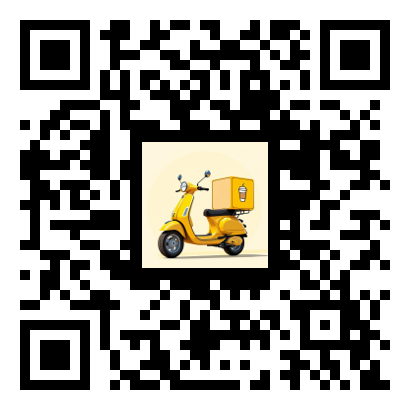
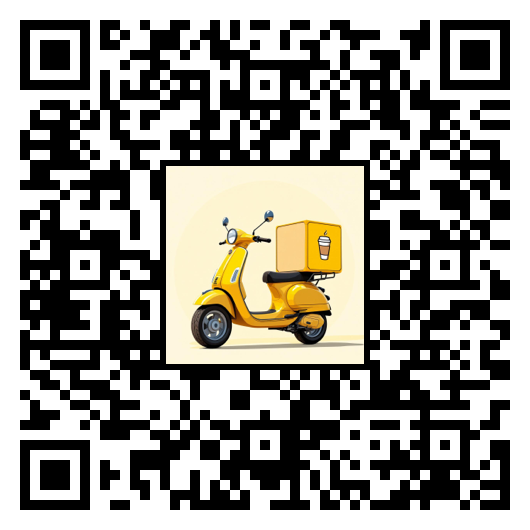
Available on iOS and Android. Scan the QR code or click to download.


Getting Started Guide
1. Create Your Account
Download the Delivery app and sign up with your email address. Complete the registration form with your name and phone number. Your phone number is important as shops and customers may need to contact you during deliveries.
2. Get Invited by a Shop Owner
Unlike other apps, you cannot independently join shops. A shop owner must invite you:
- Contact a coffee shop owner who uses the Coffee House Platform
- The owner opens their Owner app and goes to "Manage Users"
- They enter your email address and select "Delivery" as the role
- The app generates a unique 7-letter invite code for you
The shop owner will share this code with you via email, text, or in person.
3. Link to the Shop
Once you have your invite code:
- Open the Delivery app and sign in
- Tap "Link a New Shop"
- Enter the 7-letter invite code exactly as provided
- Tap "Link" to connect your account to the shop
You'll now see this shop in your list and can accept delivery orders from them.
4. Accept Delivery Orders
When an order is ready for delivery:
- You'll receive a notification (if enabled)
- View order details including customer address and items
- Accept the delivery to claim it
- Pick up the order from the shop
- Navigate to the customer using the built-in directions
- Mark the order as delivered when complete
5. Work with Multiple Shops
You can deliver for multiple coffee shops:
- Get an invite code from each shop owner
- Link each shop using their unique code
- Switch between shops or view orders from all linked shops
How the Invite System Works
This is a homegrown invite system designed for security and simplicity:
- Each invite code is unique and linked to your email
- Codes can only be used once and expire when used
- Shop owners can revoke access and generate new codes if needed
- This ensures only authorized drivers can deliver for each shop
Video Tutorials
Watch tutorials on delivery workflows and tips.
Coming SoonFeature Documentation
Detailed guide to all delivery app features.
Coming SoonFAQ
How do I get paid for deliveries?
Compensation is arranged directly with the shop owner. Each shop sets their own delivery pay rate and tips.
Can I deliver for multiple shops?
Yes! Get an invite code from each shop and link them all in the app.
Do I need my own vehicle?
Yes, you'll need your own transportation (car, bike, scooter, etc.) for deliveries.
What if I lose my invite code?
Ask the shop owner to generate a new invite code for you from their Owner app.
Feature Roadmap
We're constantly improving the Delivery app. Here's what's coming:
Earnings Dashboard
Track your delivery earnings, tips, and performance over time
Route Optimization
Smart routing for multiple deliveries to save time and fuel
Customer Chat
In-app messaging with customers for delivery coordination
Availability Scheduling
Set your available hours so shops know when you can deliver
Delivery History & Stats
View your complete delivery history with detailed statistics