Customer App Resources
Everything you need to order your favorite coffee with ease
Download the Customer App
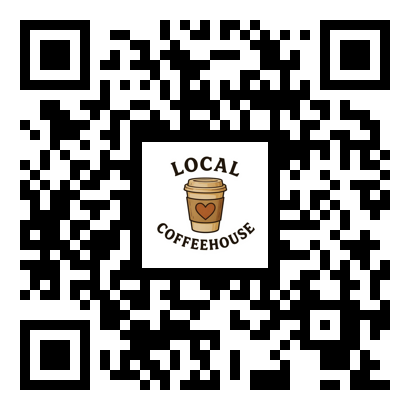
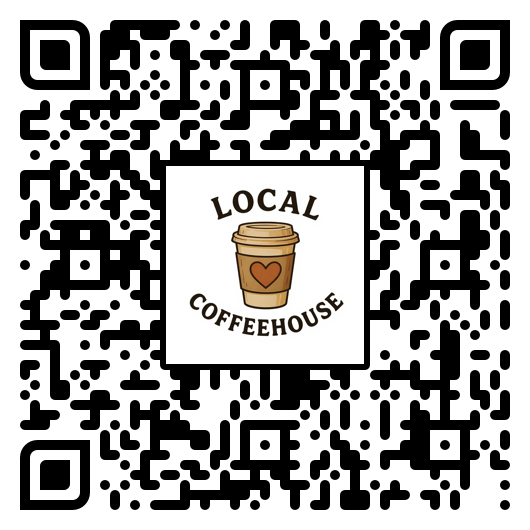
Available on iOS and Android. Scan the QR code or click to download.


Your Coffee Adventure Awaits
Whether you're exploring a new city, road-tripping across the country, or simply looking for your next favorite local spot, the Customer app helps you discover hidden gem coffee shops you might never have found otherwise. Perfect for the coffee connoisseur who believes every adventure deserves a great cup of coffee.
Getting Started Guide
1. Download and Create Your Account
Get the Customer app from the App Store or Google Play. Sign up with your email address to create your account. This is the only account you'll need—it works at any coffee shop on the platform, anywhere you go.
2. Find Coffee Shops Near You
Discover local coffee shops in several ways:
- Use Current Location - Tap to find shops near your current location, sorted by distance
- Browse by State - Select a state to see all participating shops in that area
- Search - Look for specific shop names or locations
This is perfect when you're on vacation or exploring a new area—discover authentic local coffee shops that aren't part of big chains!
3. Set Up Your Profile
Complete your profile for the best experience:
- Your Name - So the shop knows who to prepare the order for
- Delivery Address - Add your home, work, or hotel address for delivery orders
- Default Address - Set a default for quick ordering
Tip: When traveling, update your delivery address to your hotel or vacation rental!
4. Browse the Menu and Order
Once you've selected a shop:
- Browse their full menu with photos and descriptions
- Customize your order (size, milk options, extras)
- Add special requests or notes for the barista
- Choose pickup, delivery, sit-in, or drive-thru (based on shop availability)
5. Pay Securely
Complete your order with secure payment processing. Sales tax is automatically calculated based on the shop's location. You'll receive a confirmation and can track your order status in real-time.
6. Buy and Send Gift Cards
Some shops sell digital gift cards right in the app:
- Purchase - Choose a gift card option from a shop that offers them
- Send to someone else - Enter the recipient's email address when ordering; the balance will be credited to their account
- Buy for yourself - The balance is added directly to your account for that shop
- Instant credit - Gift-card-only orders are paid online and the balance is credited automatically
7. Earn Loyalty Points
Many shops offer loyalty programs through the app. Here's how it works:
- Earn points - You earn points with every purchase at participating shops
- Check your balance - View your current points balance on the shop's page or in your profile
- Redeem rewards - Use your accumulated points for discounts on future orders
- Per-shop tracking - Points are tracked separately for each coffee shop, so your loyalty builds at the shops you visit most
Each shop sets their own loyalty program rules, including how many points you earn per dollar and what rewards are available. Check each shop's page for details.
Take It Wherever You Go
The Customer app is your passport to great coffee everywhere:
- Road trips - Find unique coffee stops along your route
- Vacations - Discover local favorites in any city you visit
- Business travel - Skip the hotel coffee and find something special
- New neighborhoods - Explore hidden gems in your own city
One app, endless coffee adventures. Your next favorite coffee shop is waiting to be discovered.
Group Orders
Ordering for a group? Join a shared order and let everyone pick exactly what they want.
1. Open the Invite Link
Tap the group-order invite link from your host. It opens the Customer app and joins you to the shared order automatically.
2. Add Your Items
Browse the shop's menu, customize your drink, and add it to the group cart before the due time.
3. Wait for Finalization
The host reviews the full order, then finalizes it for preparation. You'll be able to see when the order is placed.
4. Pay Your Share or Let the Host Pay
Depending on the host's settings, you can pay for your own items or the host can cover the whole group.
Video Tutorials
Watch how to customize orders and use all features.
Coming SoonFeature Documentation
Detailed documentation for key app features.
FAQ
Is the app free?
Yes! The Customer app is completely free to download and use.
Can I use it in any city?
Yes — you can discover participating coffee shops anywhere. One account works nationwide.
How do I get a refund?
Contact the coffee shop directly or reach out to our support team for assistance.
Do I need an account to order?
Yes, a free account is required so shops know who to prepare the order for.
How do loyalty points work?
Earn points with every purchase at participating shops. Points can be redeemed for discounts on future orders.
How do gift cards work?
Shops that offer digital gift cards let you purchase a gift card balance for yourself or send one to someone else by email. The balance is tied to that shop and can be used to pay for orders at checkout.
Feature Roadmap
We're constantly improving the Customer app. Here's what's coming:
Favorites & Reorder
Save your favorite orders and reorder with one tap
Order Scheduling
Schedule your order ahead for pickup at a specific time
Shop Reviews & Ratings
Rate your experience and read reviews from other customers
Group Orders
Coordinate orders with friends or coworkers
Gift Cards
Buy, send, and redeem digital gift cards at participating shops
How the App Works
The Local Coffeehouse Customer app connects you directly to independent coffee shops on our platform. Browse participating shops in your area, view their full menus with photos and descriptions, customize your order exactly how you like it, and place orders for pickup or delivery. Your order goes straight to the shop's Owner app where their team prepares it fresh.
Saving Favorite Stores
Found a coffee shop you love? Tap the heart icon on any shop's profile to add it to your favorites. Your favorite shops appear at the top of your shop list for quick access, making it easy to reorder from the places you visit most. You can manage all your favorites from the main shop list.
Search by Location
The app uses your device's location to automatically show you the nearest coffee shops on our platform. Shops are sorted by distance, so the closest ones appear first. You can also manually search by entering a city, zip code, or address to find shops in any area — perfect for planning ahead when traveling or exploring new neighborhoods.
Discover Hidden Gems
The Local Coffeehouse platform helps you discover independent coffee shops you might not have known existed. Explore the full list of shops in your area, read their descriptions, browse their unique menus, and support local businesses you've never tried before. Every shop on our platform is independently owned — no chains, just authentic local coffee culture.
Onboard New Coffee Shops
If your local coffee shop isn't on the platform yet, you can help bring them onboard! Download the Coffee House Sales App and use your unique referral code to invite shop owners. When they sign up through your link and subscribe, you'll earn a commission on their subscription — it's a win-win for you and the local coffee community.
Learn more: Visit the Sales App Resources page for details on the referral program and how to get started.
Gift Cards
Participating shops can sell digital gift cards through the Customer app. Gift cards are a great way to support your favorite local shop or send a thoughtful gift to another coffee lover.
- Purchase - Open a shop that offers gift cards, choose an amount, and check out with Stripe
- Send as a gift - Enter the recipient's email address at checkout and the balance is credited to their account
- Keep for yourself - Buy a gift card for your own account and the balance is available right away
- Redeem at checkout - On future orders, tap "Use gift card balance" before the total to apply your available balance
- Shop-locked balance - Gift card balances are tied to the shop that sold them and can only be used at that shop
Gift-card-only orders skip the usual order summary and use a simple one-tap "Place Order" flow. They are completed automatically, so the balance is ready immediately.